Share which days you’re open without ever exposing a client’s name, location, or session details. The calendar below is a live example feed from a sample studio, published straight from ShootCal and refreshed automatically. Booked days show as booked. Limited days have a session scheduled but still have open slots. Click any open day to try the booking flow. This is a demo, so nothing is actually sent.
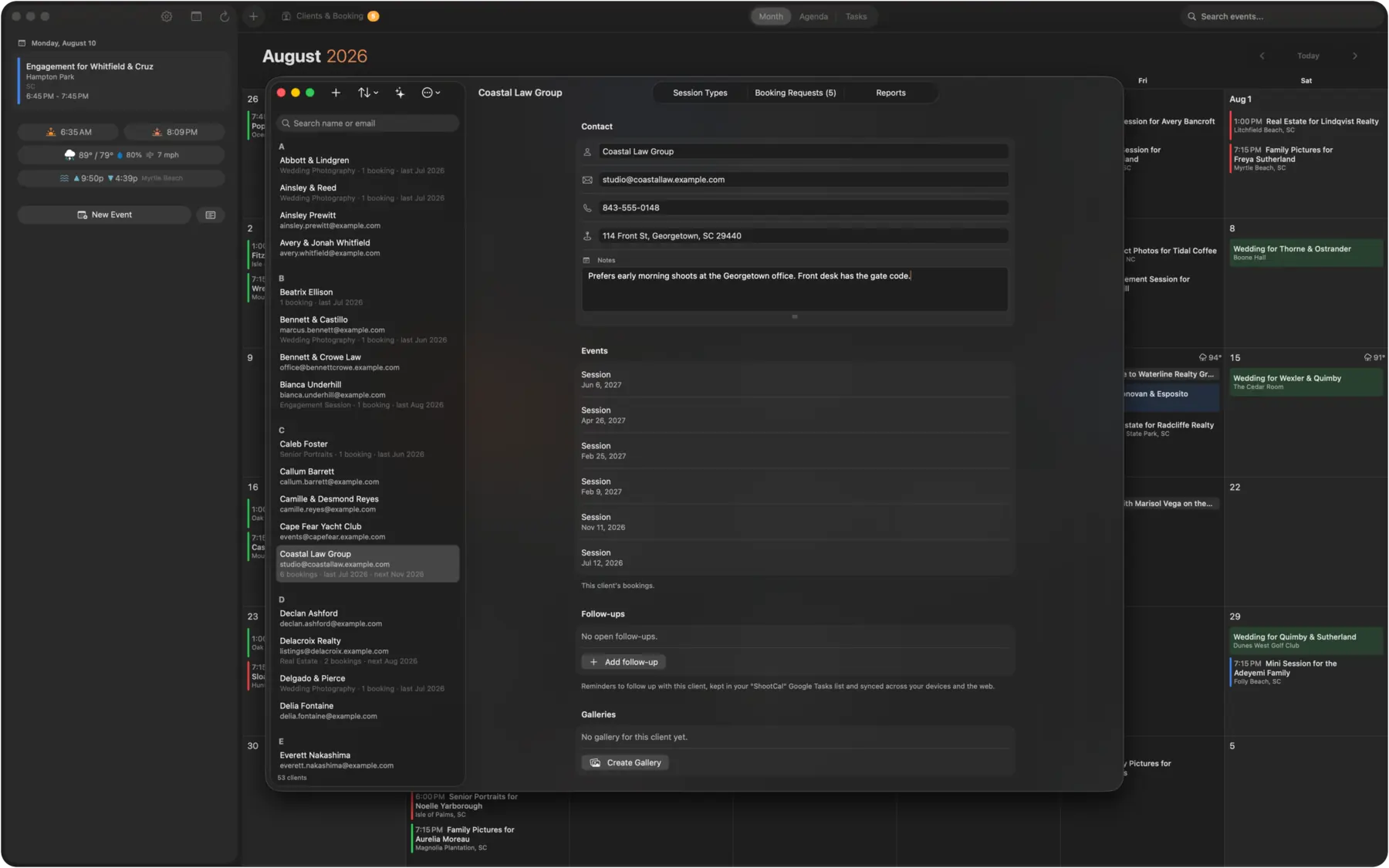
The calendar above is just the front door for your website. Behind it, ShootCal schedules your sessions around the light and turns open days into real booking requests, all from the Google Calendar you already use.
Set your city once and ShootCal works out sunrise and sunset for any date, then starts each session at the right time for golden hour. No math, no guessing. It is the only studio manager with a calendar built around the light.
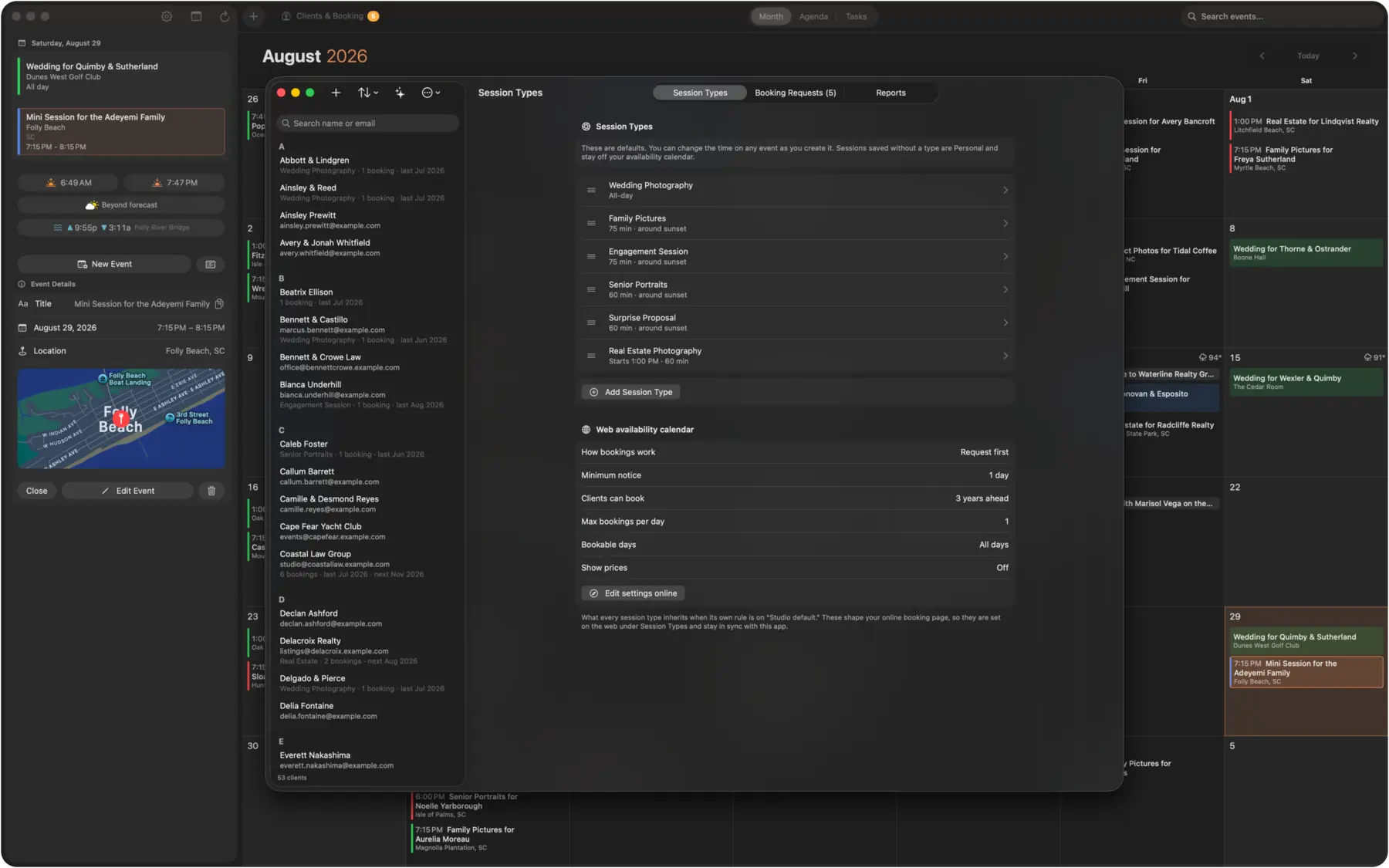
Build your own session types (mini sessions, weddings, studio portraits, newborns) and choose how each one schedules. Anchored to sunrise/sunset for outdoor golden hour, or fixed studio hours. Set how many bookings a day can take, decide what counts as booked, add your own reminders. Every default is yours to change.
Turn on online booking and every open day becomes a request form. A client picks a day, sends their details, and it lands in your ShootCal and Gmail inbox. You can reply with details in Gmail and ShootCal automatically tracks that you replied. Or you can accept directly in ShootCal to drop it on your calendar immediately. Nothing books itself, it just helps make everything faster and easier.
Mark a session as deposit received and it turns green on ShootCal and your Google Calendar. This also marks the slot as booked on the website availability calendar. A soft inquiry never blocks the date for everyone else.
Clients only ever see open, limited, or fully booked. Names, locations, and session details never leave your calendar.
Any ShootCal user can publish the same private-by-design availability calendar from their own Google Calendar.
Open ShootCal on the web, turn on your availability feed, and copy the embed snippet. Paste it into an HTML / “Embed” block on whatever your site is built with: Squarespace, Wix, WordPress, a plain HTML page. It fills the space you give it and resizes itself automatically. No plugin needed.