Professional invoices are included with ShootCal at no extra cost. Build one full-job invoice, collect an optional deposit, accept Stripe cards or record manual payments, and keep the payment history with the booking. ShootCal adds no payment or platform fee to Stripe invoice payments; Stripe’s standard processing fees still apply.
Keep the whole job on one clear invoice, from the deposit through the final balance. ShootCal is designed for practical studio invoicing and reporting, while full bookkeeping and tax filing stay with your accounting tools and tax professional.
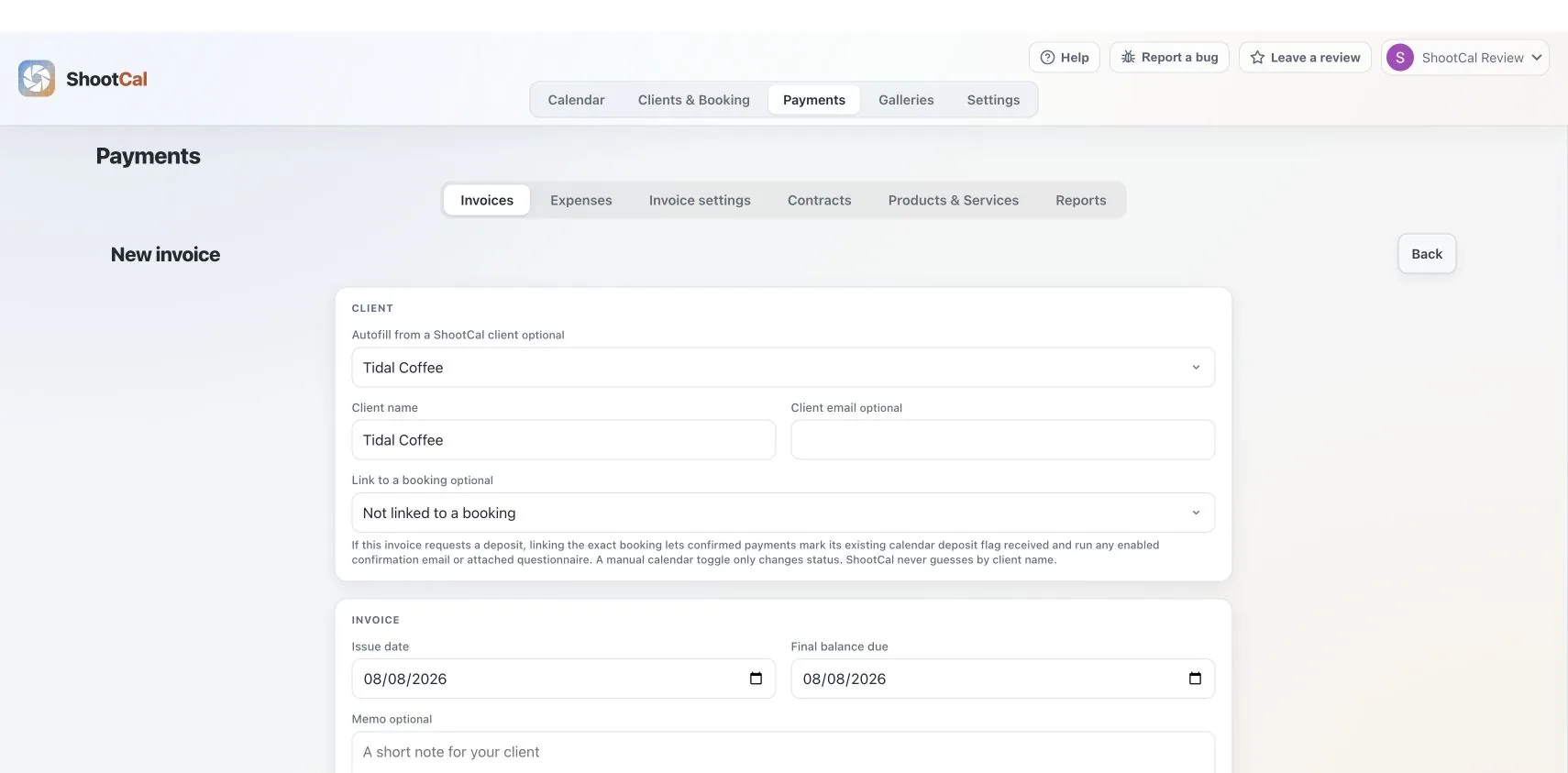
Choose a saved package or add products and services. ShootCal creates one full-job invoice and can use an optional deposit amount before the remaining balance is due.
Save the sales-tax rates you use and apply the right one to an invoice. You remain responsible for deciding what is taxable and for filing and remitting tax; ShootCal does not do that for you.
Accept Stripe card payments or offer Zelle, Cash App, Venmo, check, cash, and custom manual methods. ShootCal adds no payment or platform fee to Stripe invoice payments; Stripe’s standard processing fees still apply.
Track payments and refunds, review cash-basis income and sales-tax reports, and export the records for accounting or tax work. Expenses, reconciliation, tax filing, and remittance still belong in your accounting system and with your tax professional.
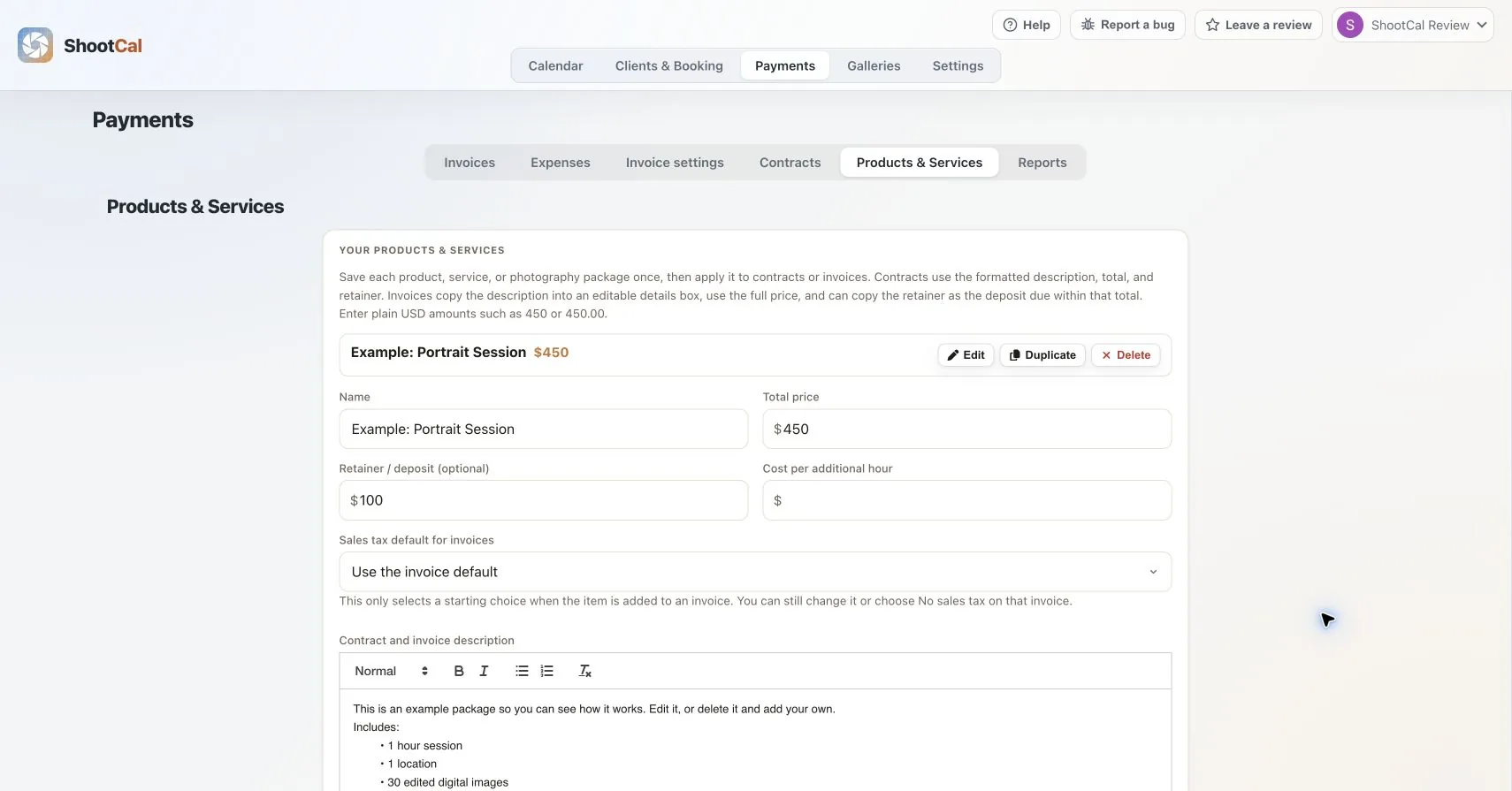
Reusable packages
Save a photography package, product, or service with its price, description, optional retainer, sales-tax starting choice, and additional-hour rate. Select it when creating an invoice or contract, then adjust the client copy without changing your saved original. Read the invoice guide →
Toggle any session as deposit received and it color-codes green on both ShootCal and your Google Calendar, red when nothing is in yet. Your paid and pending bookings are clear at a glance, on every device, without a spreadsheet.
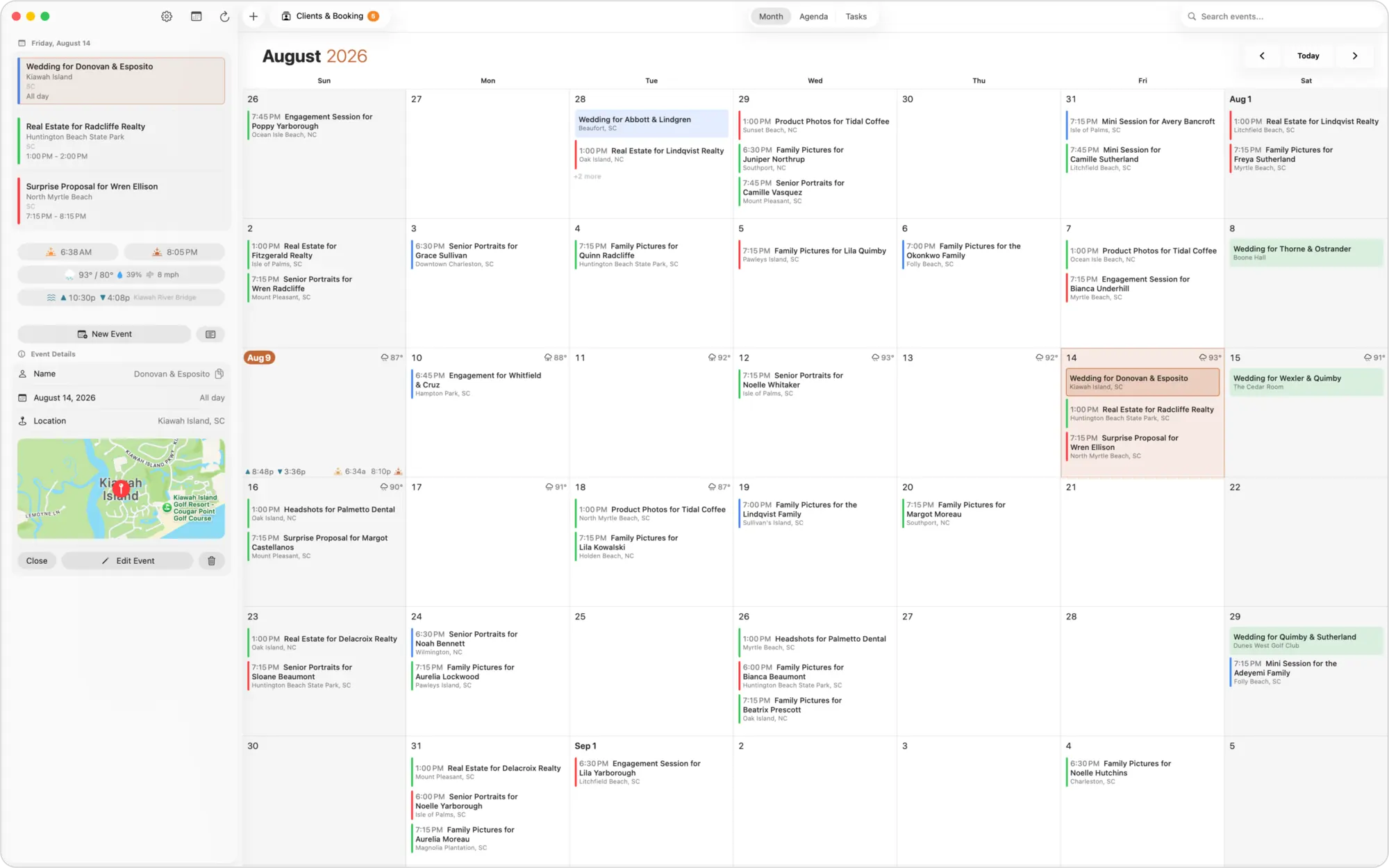
Mark a session paid or unpaid with a single tap. The event turns green when the deposit is in and red when it is not, on both the app and your Google Calendar, so you know a booking is secured before you ever leave for the shoot.
By default a day only shows as booked on your public availability calendar once the deposit is in, so a soft inquiry never blocks the date for everyone else. Prefer to block a day sooner? You can switch to showing every event as booked instead.
ShootCal can email your client a friendly reminder before their session, sent from your own Gmail. Choose how many days ahead, and write your own message or use the built-in one. Fewer no-shows, zero manual follow-up.
See bookings by type and month, deposits received versus pending, plus a separate cash-received view for confirmed ShootCal invoice payments, refunds, sales tax, outstanding balances, and cash-received and invoice-list CSV exports.
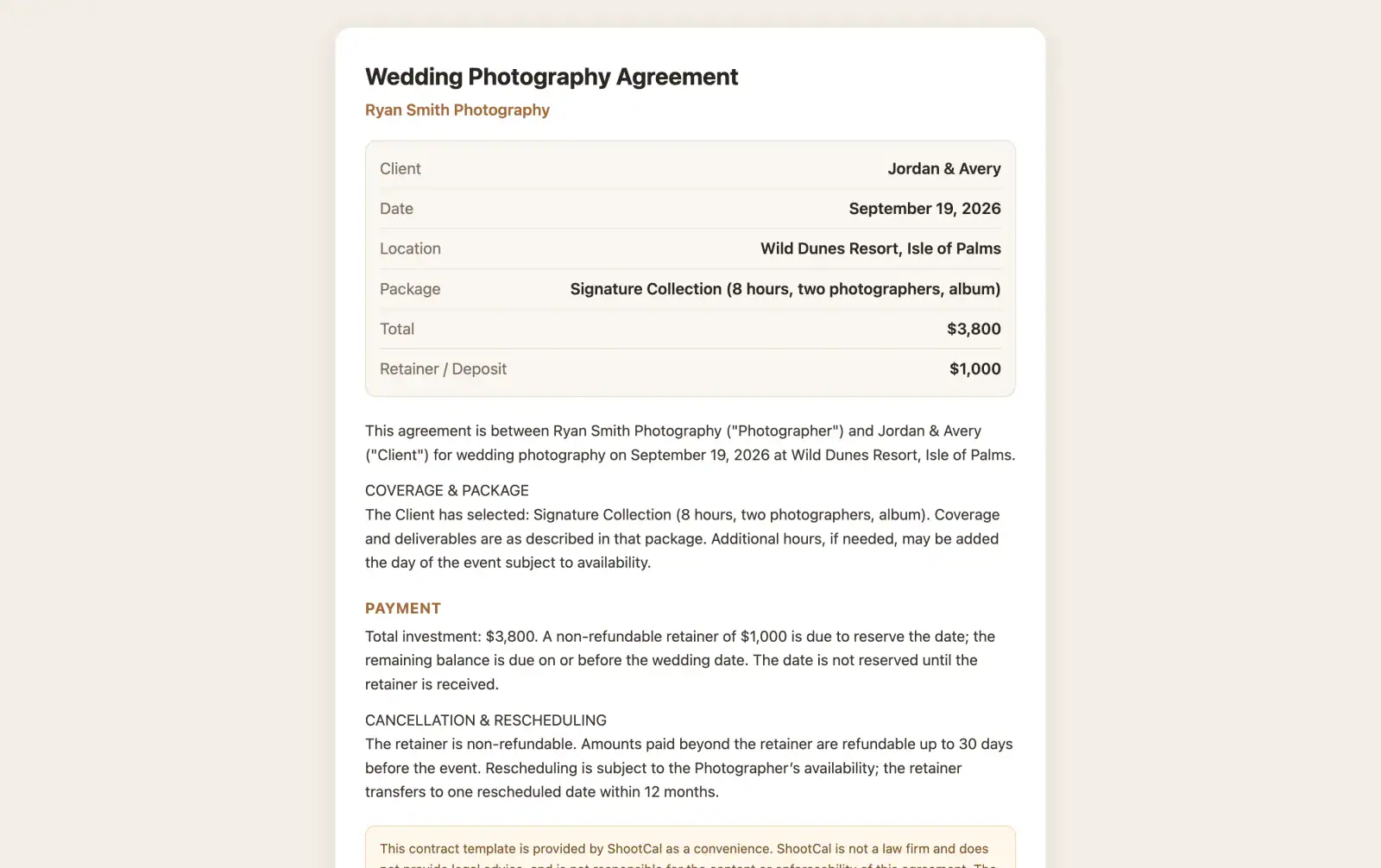
Create a wedding, family, or custom agreement from a built-in template, prefilled with the couple, date, venue, and package, then share the signing link. Your client reviews and e-signs from any device with a tap, you are notified the moment they do, and a signed copy is saved to your own Google Drive. No printing, no scanning, no chasing a signature the week of the shoot. (Templates are a convenience, not legal advice.)
ShootCal now handles the everyday client-billing workflow itself: one full-job invoice, an optional deposit, Stripe card and manual payments, refunds, saved sales-tax rates, cash-basis reports, and CSV exports. It now even includes basic expense tracking.
For a straightforward photography business, that may be all you need for invoicing. When you require detailed expense tracking, bank reconciliation, profit-and-loss statements, payroll, multi-currency accounting, or accountant-ready books, use Wave, QuickBooks, or another full accounting system.
Create the invoice, accept the deposit or final balance, track card and manual payments, issue partial or full refunds, and review cash received and sales tax without adding another app to the client workflow.
Move to full bookkeeping software when you need expenses, reconciliation, financial statements, payroll, or a more complex accounting workflow. Your accountant can use ShootCal’s CSV exports as supporting records.
The live ShootCal Galleries print store sends print and wall-art payments directly to your own Stripe account on your normal payout schedule. Stripe Tax can calculate sales tax where configured; photographers remain responsible for their own filing and remittance. ShootCal print commission is 0% on Plus and Pro and 15% on Free, charged on the product price only, never shipping or tax. See how the print store works →