Import clients from your calendar
Turn past calendar events into client contacts. Review suggestions before saving.

Book sessions, organize clients, and get paid. Your studio tools are free on the web, iPhone, iPad, and Android.

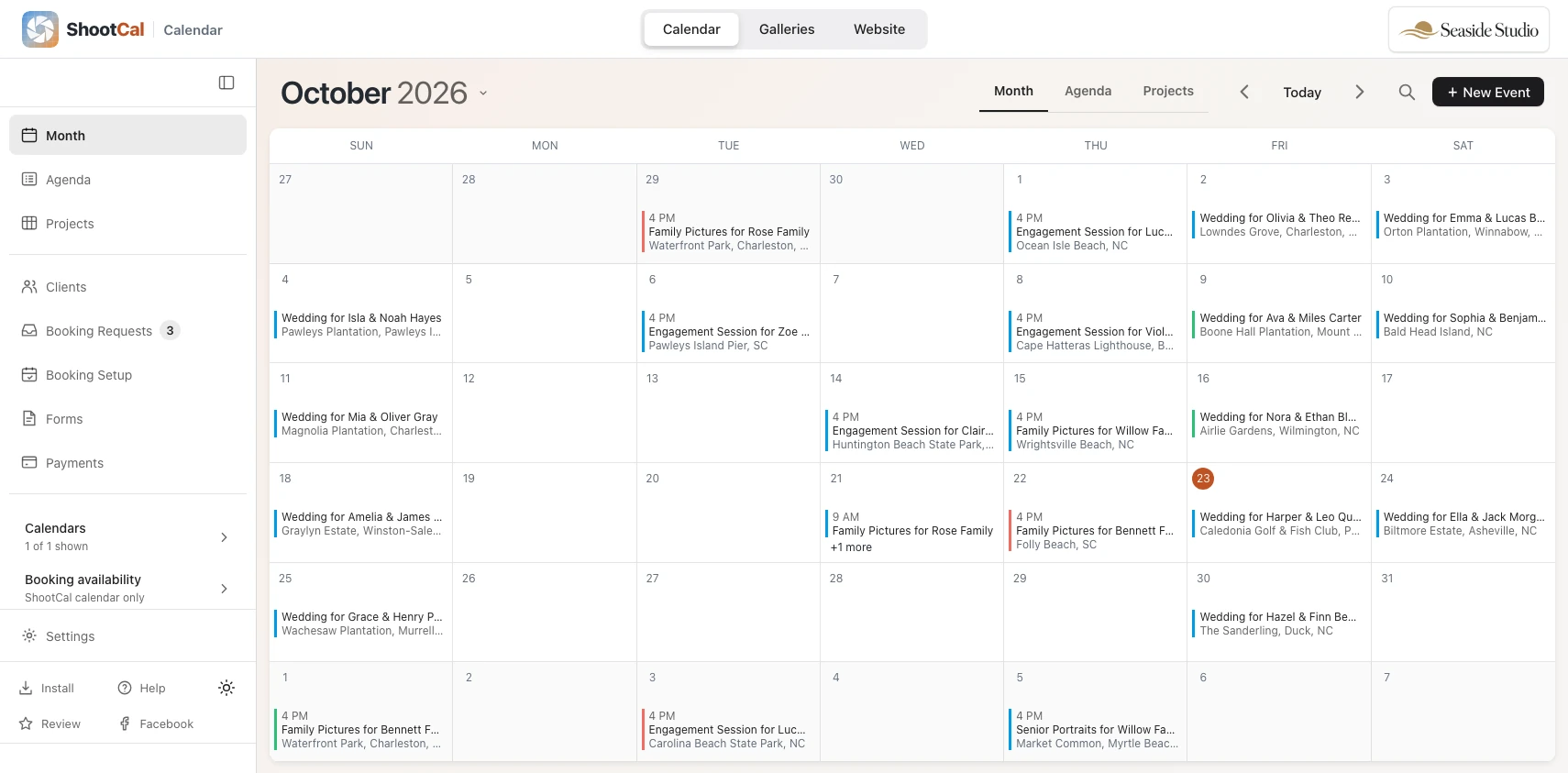
Web app with iOS and Android support
Keep your schedule and studio details close at hand, on any screen. Connect Google or Microsoft for optional calendar sync. Explore the apps.
iPhone Duo
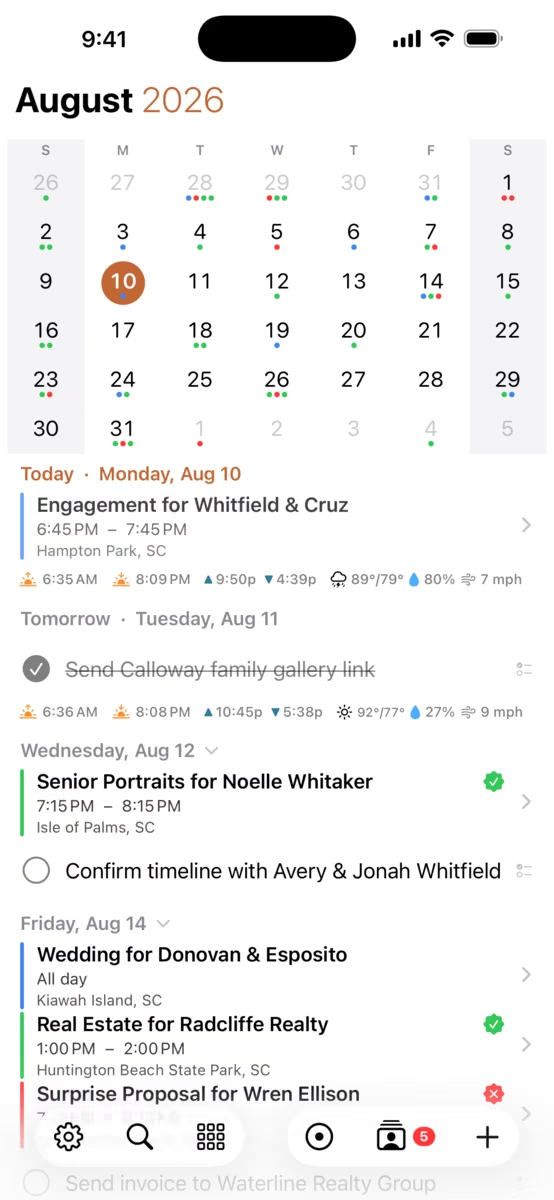
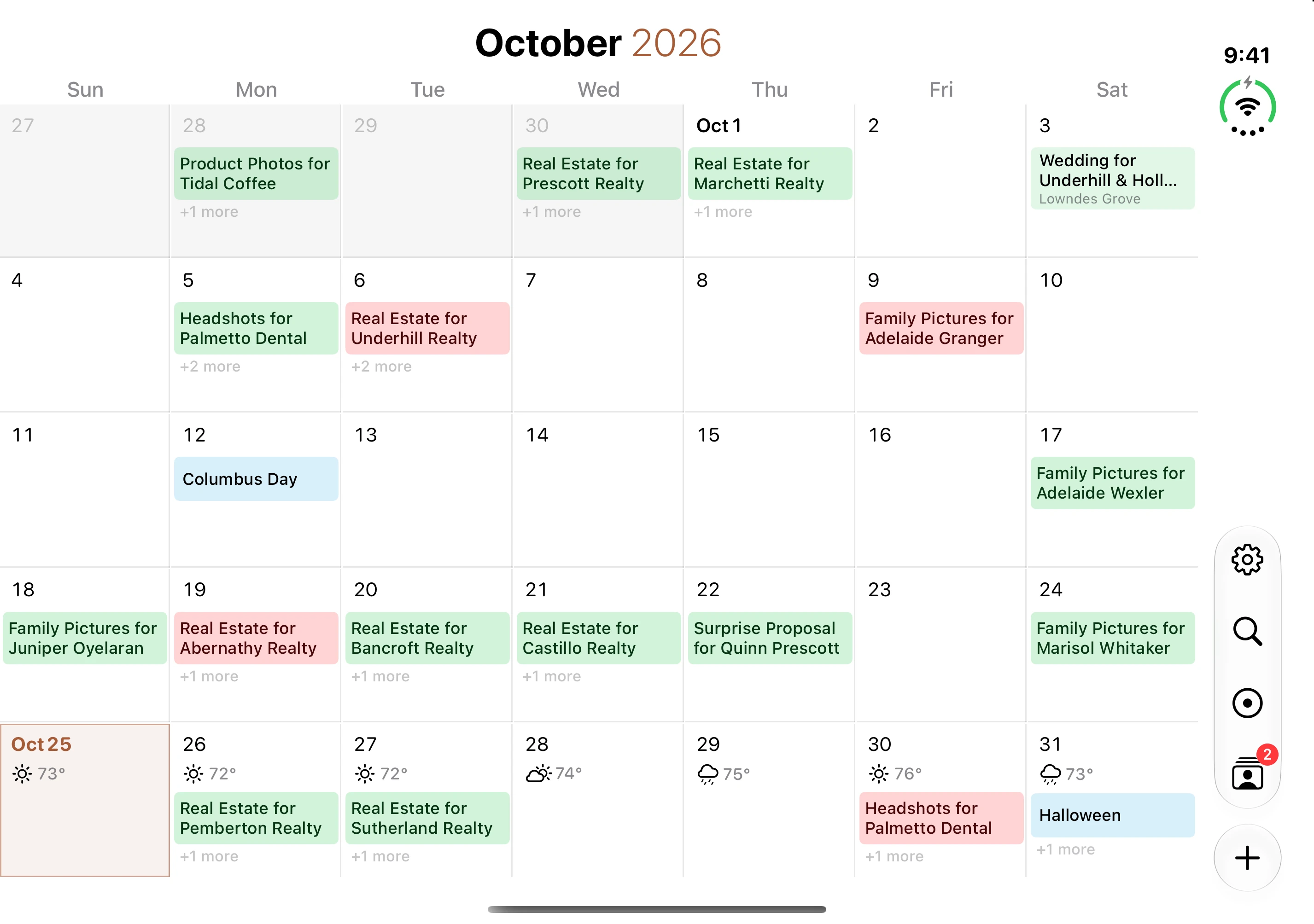
See the month and upcoming sessions together, with a layout that adapts as you open or close your iPhone Duo.
Full iPhone Duo support is included in the next iPhone app update, currently awaiting App Store approval.

Android app
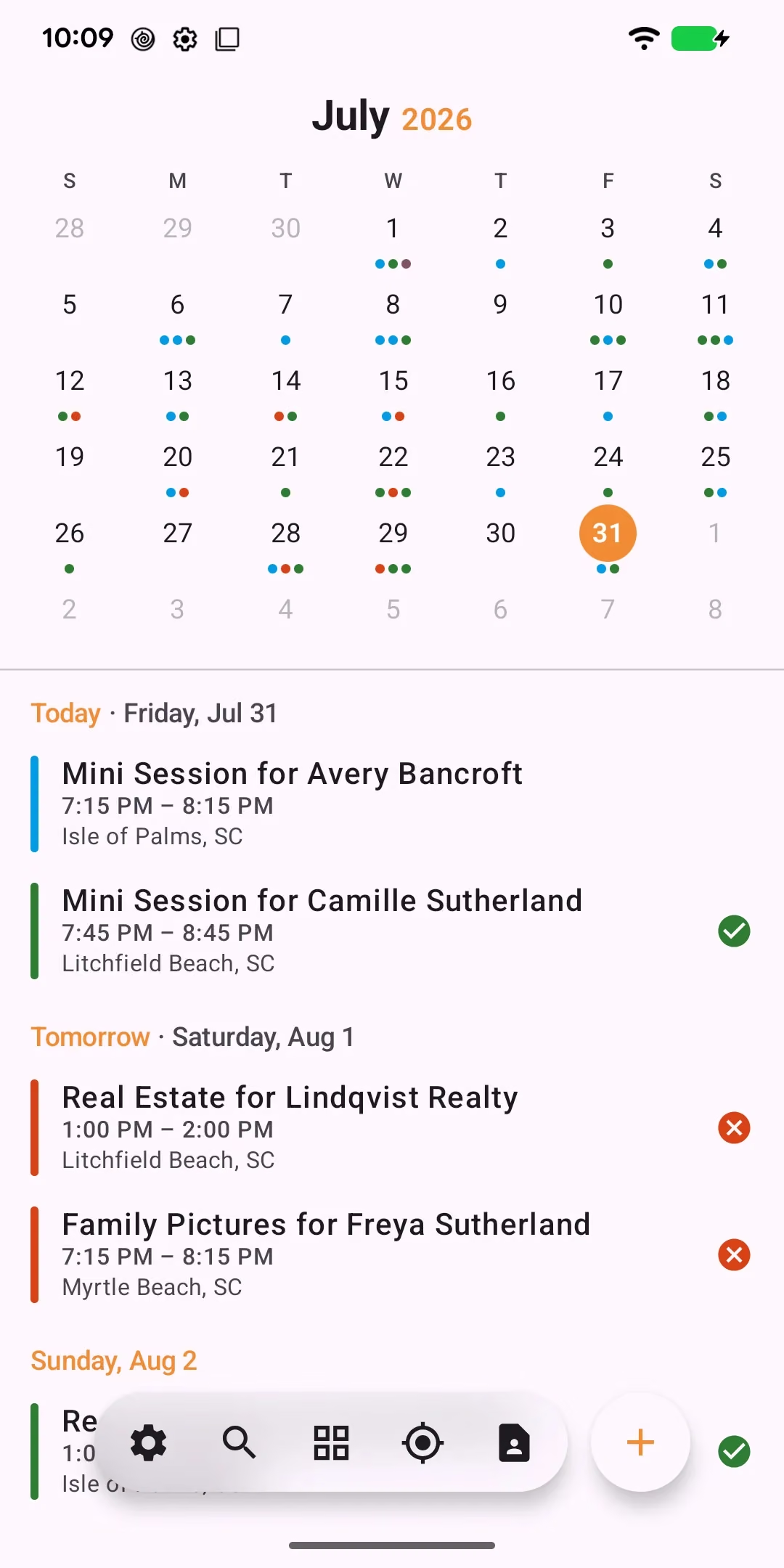
Take your calendar, client details, and session forecasts with you on Android.
See the month and upcoming sessions together in the agenda.
Apple Watch and Wear OS
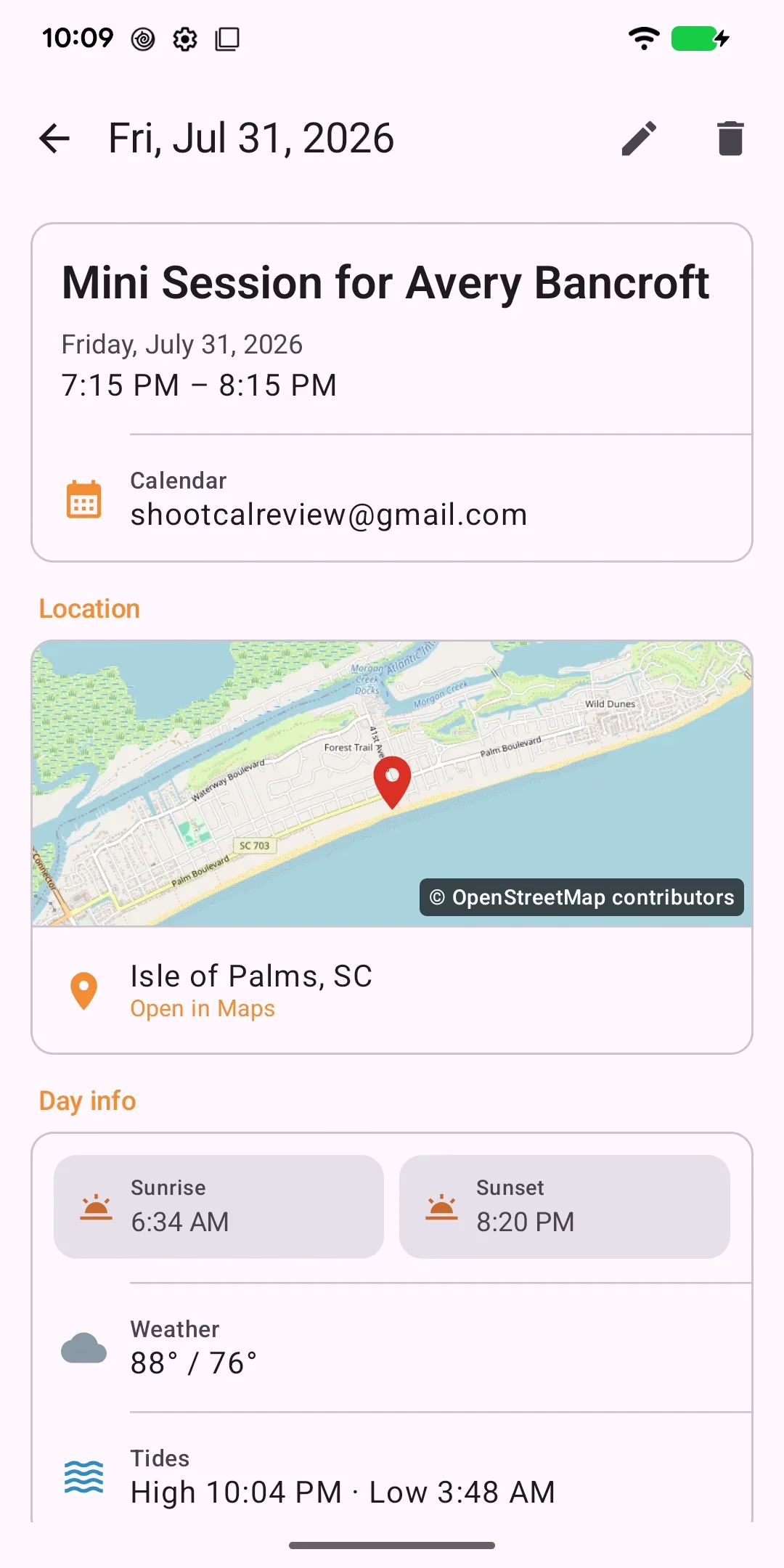
In the middle of a wedding, you don’t want to dig out your phone to check the bride and groom’s names. ShootCal on your Apple Watch or Wear OS watch shows your next session at a glance, and a tap shows the time and place.
On Wear OS 6 or later, a free ShootCal watch face adds the weather, chance of rain, wind, tides, and sunrise and sunset around your next session. Choose the background, the colors, and the font.
ShootCal for Wear OS is coming soon: waiting on Google Play approval.


Golden Hour Planning
See local sunrise, sunset, and tide times. Sunrise or sunset session types calculate start times for the date you choose.

AI Assistant
Type “Family shoot for the Andersons at Folly Beach Saturday at sunset” to fill the date, time, location, and client. Review before saving. iPhone text processing stays on-device.

Session Types
Save your packages, prices, and timing once. Reuse them for appointments and online bookings.

Clients & Booking
Keep contacts and session history together. See who’s booked and who’s ready for a follow-up.

Know your clients
Reuse questionnaires for wedding timelines, locations, and other session details. Send a link and keep answers with the job. Read the questionnaire guide

Availability
Share your booking page and let clients find an open date. Your calendar details stay private.
Approve requests or offer instant booking. Try the sample below; it sends no requests.
Studio management, built in
Turn past calendar events into client contacts. Review suggestions before saving.
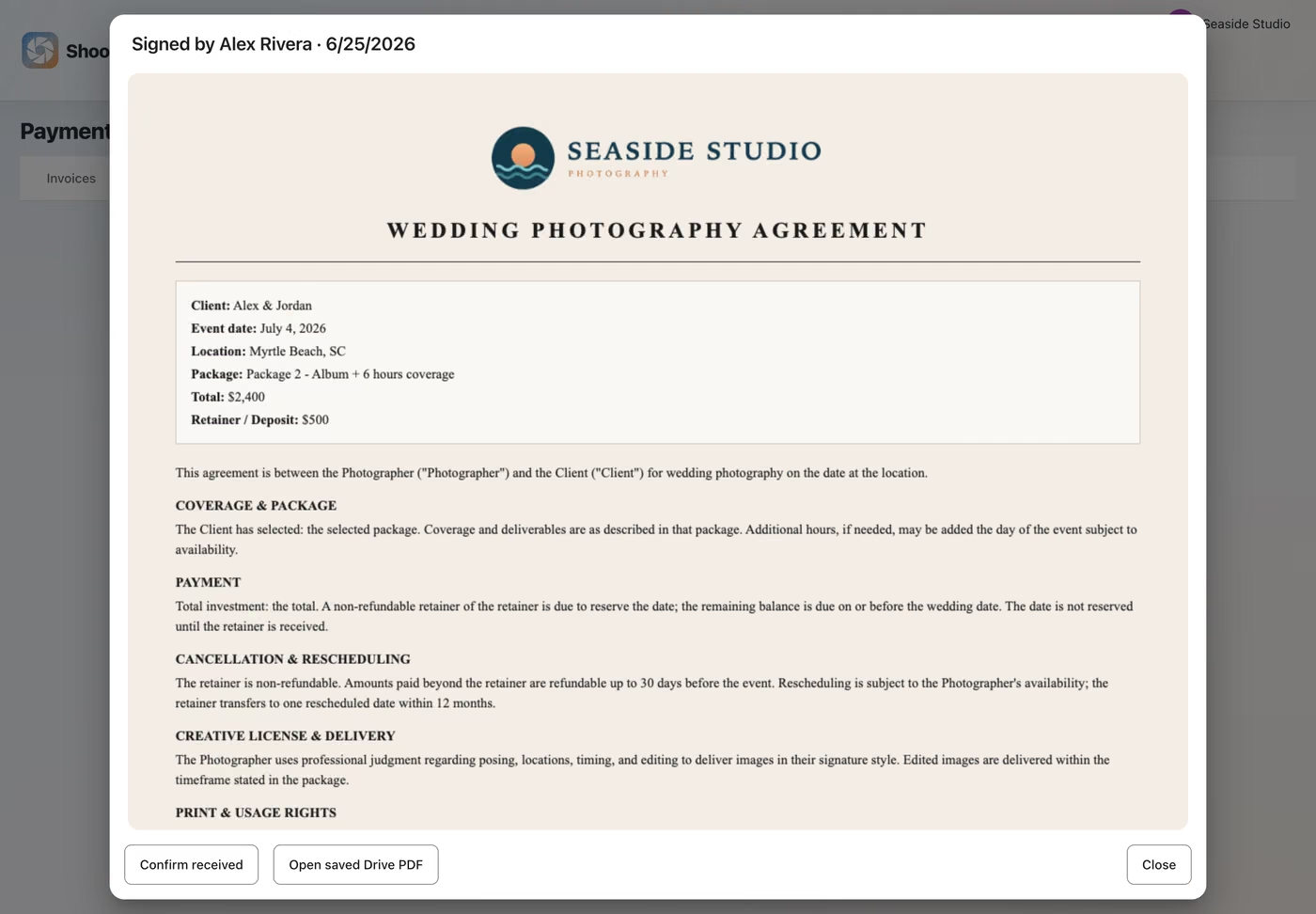
Send personalized contracts for clients to sign in their browser. Know when they’re signed.
See what’s paid and what’s due, with payment reports and exports for bookkeeping.
Send automatic reminder emails so clients arrive ready for their sessions.
Answer booking inquiries from your email or handle them in ShootCal.
See each session’s deposit, invoice, and gallery status in one place.
Payments & Contracts
Send branded invoices, collect deposits, and keep track of what’s due.

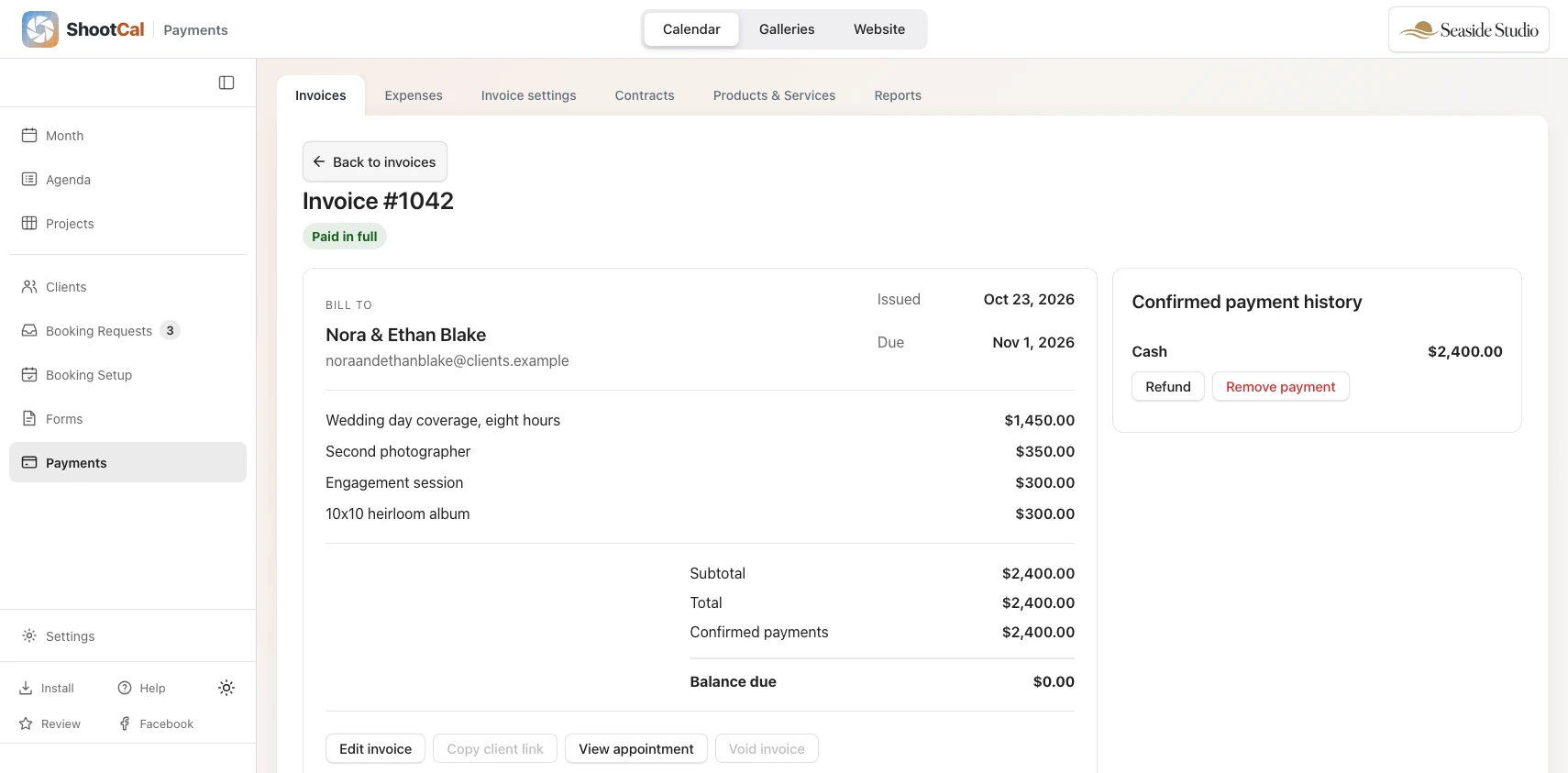
Build an invoice from your packages or custom items, with an optional deposit.
Apply your saved sales-tax rates to invoices. You handle filing and remittance.
Accept cards through Stripe or record other payments. No added ShootCal payment fee; Stripe processing fees apply.
Track income, refunds, and expenses, then export records for your accounting system.
See paid and pending deposits at a glance on your calendar.
Mark a deposit received and see the session’s status at a glance.
Keep your booking page aligned with confirmed sessions, busy calendars, and blackout dates.
Send automatic reminder emails so clients arrive ready for their sessions.
See booking trends, payments, and outstanding balances, with CSV exports.
Professional Contracts
Personalize a template, share a signing link, and keep the signed contract with the job.
Client delivery
Explore photo and video delivery, proofing, downloads, branding, and print sales on the Galleries page.
Build your photography website too, with a starter WordPress blog on Plus or Full WordPress blogging on Pro.
Start free with scheduling, studio tools, and client galleries.